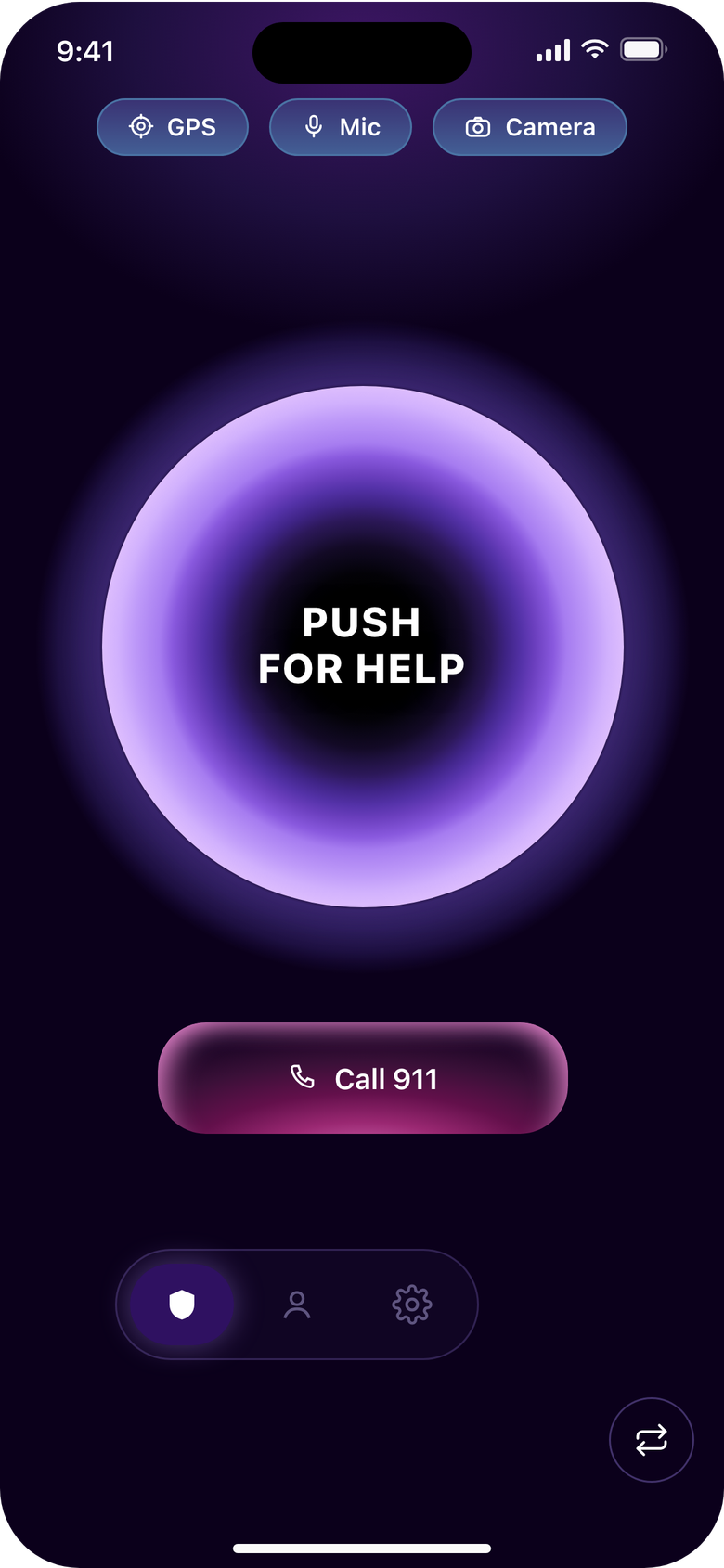
What the app sends, when, and to whom. The legal version is the Privacy Policy.
If you are in immediate danger, call 911, or the local emergency number outside the United States. push! alerts the people you chose. It does not contact police or emergency services.
01
One alert, start to finish.
Location off
Between alerts, no location, audio or video is sent.
You press
Ten seconds. Your PIN cancels it.
Shared, live
Location, audio and video, live to your listed contacts.
I'm Safe
Your PIN ends it. Your contacts are told.
Location off
Nothing more is sent.
An alert nobody ends stops after an hour (unless extended) or after 10 minutes without a signal from your phone. Your contacts are told either way.
02
Not a tracking app.
Always-on apps send your location all day. push! sends it during an alert, to the people on your list, then stops.
Always-on tracking24 hours a day
push!During an alert only
midnight6 AMnoon6 PMmidnight
03
What is sent, and when.
Between alerts
Your phone
Your contacts
No location, audio or video leaves your phone.
Your contacts see your name and photo, and that you are linked.
During an alert
Your phone
Your contacts
Live location, with heading and speed.
Live audio, always. Live video while push! is open, unless off in Recording Settings.
Route and recording saved to your Incident History.
04
The full table.
Data the push! app collects, when, and who the app shows it to
What
When
Shown to
Details
Your account
When you sign up
You. Contacts: your name and photo.
Name, email and password, or Apple or Google sign-in. Phone, home address and university only if you add them under Personal Information. The device tokens that deliver notifications.
Your PIN
When you set it
Nobody. It stays on your phone.
Four digits. It cancels a countdown and ends an alert. Changing it asks for the current PIN. Reinstalling push! lets you set a new one.
Your contacts
When you invite them and they accept
You. Each contact sees they are linked to you.
Name, relationship, the email from their account, and the link between the two accounts. The code lasts 48 hours and travels through your own messaging app; push! does not store their phone numbers.
Your location
From the end of the countdown until the alert ends
Your contacts, live. The route goes to your Incident History.
Position with accuracy, altitude, heading and speed, plus your name and photo on the map. Before an alert, push! reads the position your phone already has. The last position stays in the live-location record after you end the alert, unless push! ended it for you.
Audio and video
While an alert is running
Your contacts, live. The recording goes to your Incident History.
Audio always; video while push! is open, unless off in Recording Settings. The camera preview warms up during the countdown, on your screen only. No audio or video is sent before the alert starts.
Alert history
During each alert
You, in Settings, Incident History.
Start, end, duration, distance, route, contacts notified, and the recording if one was saved. Older alerts are removed automatically after a limited period. Your contacts' app does not list your past alerts.
Usage data
While you use the app, including a press
Google, for us.
Firebase Analytics reports usage events to Google so we can improve push!, including that a countdown started. No advertising software.
Subscription status
When you start a trial or subscribe
Apple handles payment.
push! learns whether a trial or subscription is active, never card details.
Static pages over HTTPS. No cookies, analytics or third-party requests; the fonts live here and a strict Content Security Policy blocks the rest. Google Forms and the App Store have their own policies.